



Challenge
Damaco Group's sales presentation was not optimally utilized in regarding to the various products relevant to their prospects. Furthermore, the design did not align with their updated branding.
Solution
First, we created a completely new presentation style. In addition, we developed a dynamic sales presentation with an interactive menu where salespeople can present the right and relevant products in PowerPoint depending on the prospect.

Experience & Branding
Interactive company information
The history of the company remains a classic among the slides of a business or sales presentation. The first thing to ask is whether the history/timeline of the company really adds value. Does it contain some interesting anecdotes? Does it show a certain expertise or experience, ... ? If so, you can certainly keep it. But be aware, not all information is equally relevant to your audience.
At Damaco Group, we visualised the company's history in an interactive way that allowed images to be displayed better and larger and also made it suitable for telling stories around certain moments in the company's history.

Experience & Branding
Product Sliders
We improved the quality of the sales presentation by also focusing visually on experience and branding.
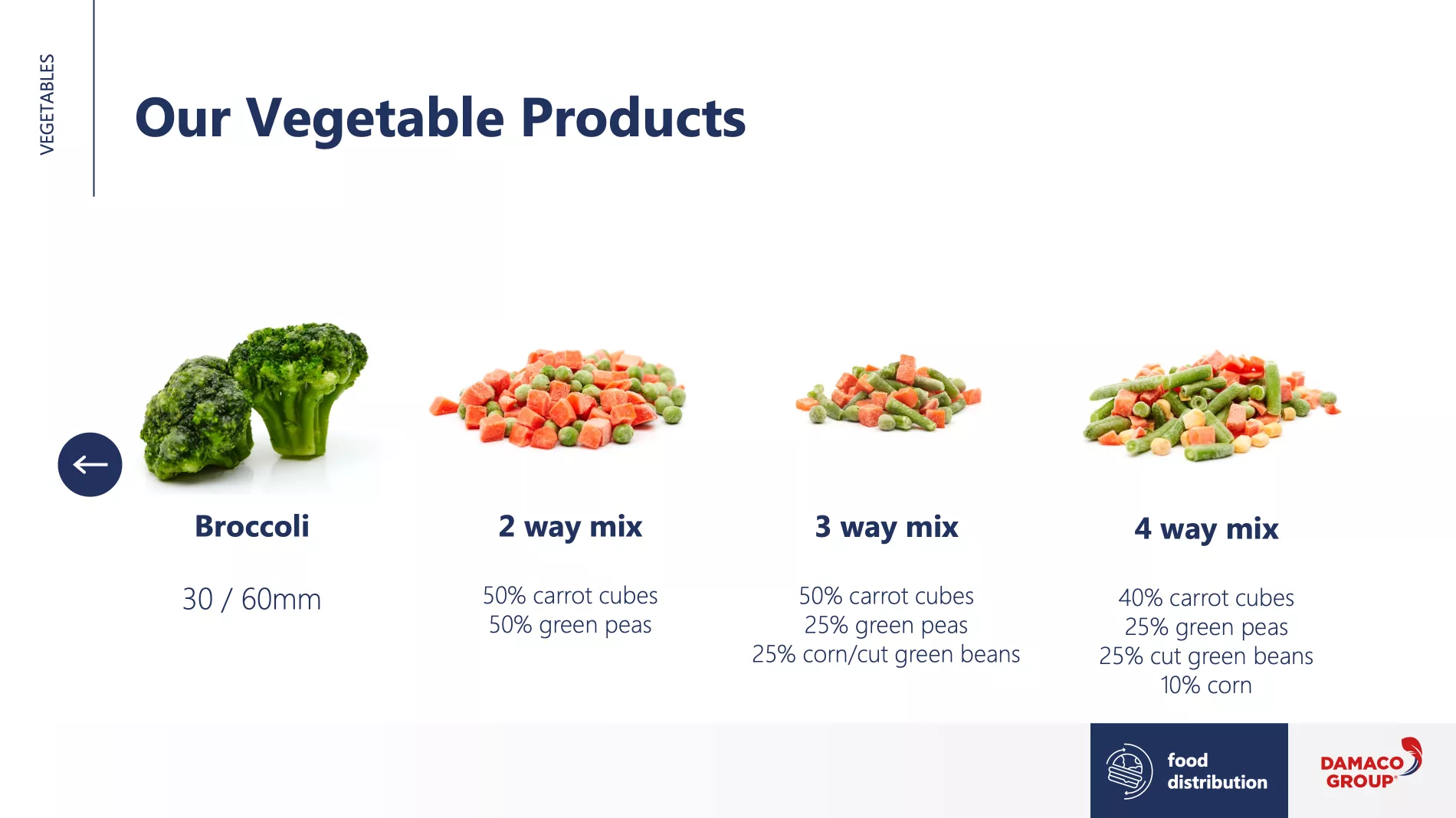
We did not create boring bulleted slides but a story that comes to life on the various slides. Thus, we created product sliders that presented the products in an interactive and appetising way. Damaco Group's presentations are now remembered even longer by their target audience.


Before & After
Usage of pictures
When making presentations, only choose qualitative images that you can use large enough on your slide. Blurred pictures are no good for your presentation or your professionalism.
In this presentation we used photo material that could be displayed on the slides in razor-sharp and large quality. The slide now looks much calmer, cleaner and shows the product more tastefully.


Before & After
Usage of icons
Presentation slides are still used too much as bulleted lists that do anything but inspire the audience.
In this example, we abandoned the familiar bullet points and replaced them with icons. Icons help your target audience understand your message faster and remember it longer. Icons give presentations an extra professional look.